NIH ASSIST and eRA Commons: Avoiding the Submission Errors That Cost You the Cycle
NIH's submission systems — Grants.gov, ASSIST, and eRA Commons — are not a single platform. They are three systems that talk to each other, each capable of generating its own errors at its own stage. Most researchers discover this at 4 PM on a deadline day, which is the worst possible time to learn it.
Table of Contents
- How the Three-System Pipeline Actually Works
- Hard Errors vs. Warnings: What the Difference Actually Means
- The Most Common ASSIST Errors by Form Section
- The eRA Commons Pre-Submission Checklist Most PIs Skip
- The 48-Hour Submission Window That Actually Protects You
- When ASSIST Goes Down: What NIH Policy Covers
- Frequently Asked Questions
How the Three-System Pipeline Actually Works
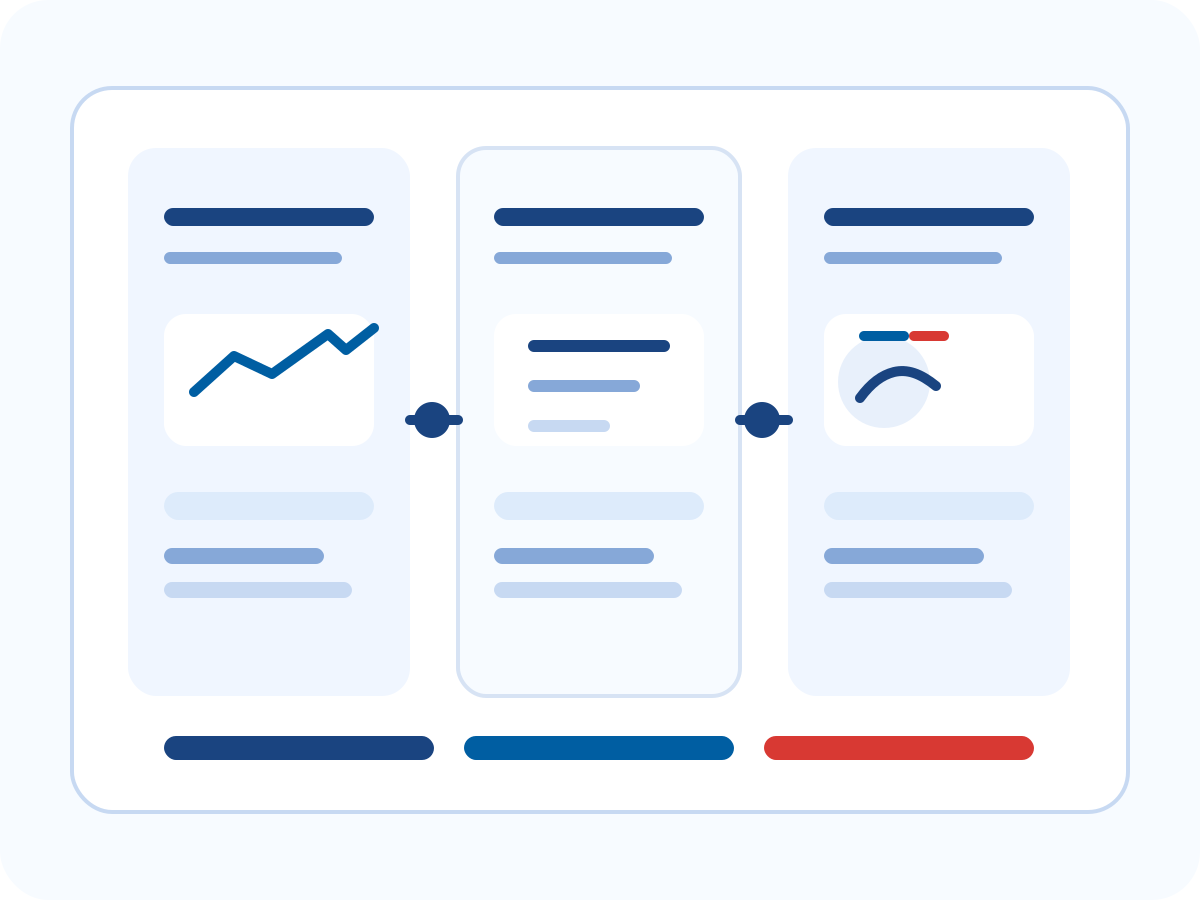
When you submit an NIH application, you are not sending it to NIH directly. You are sending it to Grants.gov, which validates the package and routes it to ASSIST (NIH's Application Submission System & Interface for Submission Tracking), which then processes it into eRA Commons — NIH's electronic research administration portal where the application officially lives, gets assigned to a study section, and eventually receives a summary statement. Each handoff is a potential failure point, and each system operates on its own timeline.
Grants.gov confirmation is step one. The Grants.gov acknowledgment email tells you the package was received and passed initial format checks. It does not tell you the application has been accepted by NIH. ASSIST then processes the package — sometimes in under an hour, sometimes in several hours on high-traffic days. Only after ASSIST processing is complete does the application move into eRA Commons and receive a status. That final status is what you actually need to verify. An application sitting in ASSIST processing at 5:01 PM on the deadline day is still within the window; an application that has not yet been submitted to Grants.gov is not. Understanding this sequence tells you where to look when things slow down.
This pipeline matters because errors at each stage have different consequences. A hard error in ASSIST stops the application entirely. A warning that propagates to eRA Commons may allow submission but block the application from completing administrative review. Knowing which system generated which message determines who you call to resolve it — your SRO for institution-level issues, the eRA Commons help desk for account problems, and NIH Grants Information (the central help line) for policy questions.
Hard Errors vs. Warnings: What the Difference Actually Means
ASSIST generates two categories of feedback: errors and warnings. Hard errors block submission. You cannot proceed until they are resolved. Most hard errors are legible: a required form is missing, a PDF attachment is too large, a budget total doesn't reconcile. You will catch these in the first or second round of validation and, assuming you started early, you'll have time to fix them.
Warnings are where applications quietly fail. A warning does not prevent submission — ASSIST will let you proceed — but some warnings describe conditions that will prevent the application from completing its transition into eRA Commons after submission. The most dangerous example is a senior/key person who appears on the application but whose eRA Commons account affiliation is out of date or unresolved. That warning may not surface until after you've submitted, and by the time you discover it in eRA Commons, you may have only hours of correctable submission time remaining.
The practical rule: treat every warning as an error until you can confirm, in writing from your SRO or the eRA Commons help desk, that it is truly benign. NIH's own submission guides describe categories of warnings that "do not require action" — but reading the guidance carefully matters here, because the no-action category is narrower than most applicants assume. When in doubt, resolve it.
The Most Common ASSIST Errors by Form Section
Some errors cluster by form type. Knowing where to look first saves real time under deadline pressure.
SF424 Cover Form
The most frequent issue here is a mismatch between the project title on the cover form and the project title in another form — particularly the PHS Human Subjects and Clinical Trials Information section. ASSIST treats these as the same field in different locations and flags inconsistencies as hard errors. A second common failure: copying a previous submission and leaving a start date that falls before the current submission date. ASSIST will reject a proposed start date in the past.
Budget Forms
For modular budgets, the error is almost always a direct cost amount that is not a multiple of $25,000. This sounds impossible to miss, but it happens when someone types a figure with an extra digit, or when a co-investigator drafts a subaward figure that doesn't reconcile cleanly. For detailed budgets, the issue is usually a totals mismatch between the R&R Budget form and a subaward budget form. The two must match exactly. A rounding difference of even $1 will produce a hard error. Run a reconciliation before your final upload, not during it.
PDF Attachments
PDFs that contain embedded forms, JavaScript, security settings that prevent printing, or certain embedded fonts will fail ASSIST's PDF compliance check. The safest method for creating submission-ready PDFs is to print to PDF using the operating system's print dialog rather than any application's native "Save as PDF" function. This strips the problematic embedded elements reliably. Check the file size after converting — some conversion processes inadvertently increase file size, which can push you over per-attachment limits.
Senior/Key Persons
Every senior/key person listed on the application must have an active eRA Commons account. The common failure is not a missing account — it's an affiliation record that is out of date. A collaborator whose account is affiliated with their former institution, or one whose account was created years ago and has never been updated, will trigger a warning that requires institutional action to resolve. That action requires your institution's Signing Official (SO) to coordinate with the collaborator's SO. SOs cannot always act same-day. If any key person is new to the application or recently changed institutions, verify their Commons affiliation at least two weeks before the deadline.
The eRA Commons Pre-Submission Checklist Most PIs Skip
Before initiating submission in ASSIST, spend 20 minutes in eRA Commons running through the following. Do this a week before the deadline, not the morning of.
- Every senior/key person has an active Commons account with a current institutional affiliation. Log into Commons as the PI and look up each key person by name or Commons ID. Confirm their affiliation matches the institution listed on the application.
- Your own Commons profile is current. Check your degree, title, and role. An incorrect ESI (Early Stage Investigator) flag on your profile can create discrepancies that require administrative resolution after submission. If your ESI status is borderline, this is worth a direct call to your program officer before the submission date.
- Your institution's SAM.gov registration is active. Grants.gov requires an active System for Award Management registration for any institution submitting applications. Registrations expire annually and renewal can take days. This is your institution's responsibility, but asking your SRO to confirm active status three weeks out is not excessive.
- You know which person at your institution is the designated SO. The SO is the only person who can submit through Grants.gov on your behalf. Knowing their name, backup contact, and typical response time before a deadline is basic operational hygiene. If your SO is on leave during your submission window, escalate that question to your SRO now, not on deadline day.
The 48-Hour Submission Window That Actually Protects You
NIH's standard deadline is 5 PM local time on the application due date. Most institutions, and most experienced PIs, target submission at least 48 hours before that deadline. This isn't about being cautious for its own sake — it's about what NIH policy actually allows you to do when something goes wrong.
The NIH Grants Policy Statement allows applicants to submit a corrected application up to two business days after the original deadline, provided the original application was submitted on time and the correction is needed for a covered reason. Those two days only help you if you know you need them. Submitting at 4:45 PM on the deadline day and discovering an eRA Commons warning at 9 AM the following morning leaves you with one business day — and only if your SRO can process a corrected submission, and only if the error is one NIH considers correctable. Submitting 48 hours early gives you enough time to discover the problem, fix it, resubmit, and still have the corrected application land well before the deadline.
There's a second reason for early submission that doesn't get enough attention: processing time is not constant. On high-traffic deadline days — particularly for popular parent announcements like PA-25-303 or the parent R01 — Grants.gov and ASSIST processing times can run longer than usual. An application submitted two hours before the deadline that is still in ASSIST processing at 5 PM is still technically within the window, but it adds uncertainty you don't need. Submit early, verify eRA Commons status the following morning, and use the remaining time for anything other than grant system monitoring.
When ASSIST Goes Down: What NIH Policy Covers
ASSIST and Grants.gov do experience outages. They're not frequent, but they happen, and knowing NIH's actual policy before you need it is worth a few minutes of reading.
NIH's policy on system failures is documented in the NIH Grants Policy Statement and in guidance from the NIH Office of Extramural Research. If Grants.gov or ASSIST experiences a documented system failure during the submission window, NIH will consider granting a brief extension to affected applicants. The word "documented" carries most of the weight here. NIH maintains a public system status page with timestamped outage records. If the system is down during your submission window, your SRO should document the attempt, record the error message and timestamp, and contact your Program Officer and Grants Management Specialist immediately. NIH is generally accommodating when the documentation trail is clear.
What NIH will not accommodate is a self-reported problem that does not correspond to a logged system event. Slow processing times, browser errors, or a network problem on your end are not the same as a documented ASSIST outage, and NIH treats them as applicant delays. This is the clearest practical argument for early submission: by the time you encounter something unexpected, you have recovery time that doesn't depend on NIH granting an exception. Exceptions exist, but planning for them is a strategy for the unprepared.
Frequently Asked Questions
Can I submit my application directly to eRA Commons, bypassing Grants.gov?
No. Standard competing NIH applications must go through Grants.gov, which routes to ASSIST and then into eRA Commons. There is no direct-to-Commons path for R01, R21, or similar competing applications. The exception is certain administrative actions — like some progress reports filed through the RPPR module — which do live entirely in eRA Commons. If you're unsure which pathway applies to your specific submission type, your SRO will know immediately.
What happens if I find a major error after the application shows "Received" in eRA Commons?
You can submit a corrected application through Grants.gov within two business days of the original deadline, as long as the original was submitted on time. Mark it as a corrected application, not a new submission, and notify your Program Officer and Grants Management Specialist immediately. NIH administrative staff will review both versions and determine which to forward to peer review. The corrected version typically takes precedence when the correction rationale is documented and the timeline is within policy. Don't wait to contact your program officer — early communication matters.
My collaborator's eRA Commons account is affiliated with their institution, not mine. Is that a problem?
Usually not. Senior/key persons affiliated with their home institution are listed correctly in ASSIST under their home affiliation. The error only arises when their account affiliation is entirely missing or clearly out of date — for example, still showing a postdoctoral institution from five years ago. If a warning appears in ASSIST, your SRO can coordinate with the collaborator's institution's Signing Official to update the record. This process typically takes one to three business days, which is why verifying affiliations two weeks before the deadline is worth the five minutes it takes.
My institution uses system-to-system (S2S) submission software. Does any of this apply to me?
Much of it does, with one difference: you may never interact directly with ASSIST's web interface. S2S systems like Cayuse, Coeus, or Streamlyne communicate directly with Grants.gov using their own validation layer, so the errors you see first come from your institution's software. The same underlying rules apply — PDF compliance, budget reconciliation, senior/key person affiliations — but the error messages look different. The eRA Commons pre-submission checklist applies regardless of which submission pathway your institution uses. Ask your SRO which pathway you're on if you're not sure.
Research the Field Before You Submit
Getting the submission mechanics right clears the runway. The tools below help you verify that your research positioning, institute fit, and competition landscape are as strong as the application itself.
Related Reading
Explore more resources to enhance your NIH funding knowledge
The Complete Guide to the NIH Grant Application Process
A step-by-step guide to NIH grant planning, writing, submission, peer review, and post-award management.
Writing the NIH Specific Aims Page: A Structure That Survives Review
The four-paragraph structure that actually works, the failures that sink first-time applicants, and a workflow for testing the page before submission.
NIH Biosketch and SciENcv in 2026: Common Form Pitfalls and How to Fix Them
How to navigate the NIH Common Form biosketch in SciENcv, avoid the most frequent formatting errors, and write a personal statement reviewers actually read.
NIH Just-in-Time (JIT): What It Means and How to Respond
What the JIT request signals, what NIH actually needs from you, and how to respond without over-engineering your reply.
Trust & Transparency
How this content is reviewed before it goes live
NIH Grant Explorer combines public NIH records with editorial interpretation. We publish the review structure, methodology, and correction pathways so readers can judge the value of a guide or chart for themselves.
When a topic turns into an official policy question, we point readers back to NIH rather than pretending an independent site can replace the underlying federal guidance.
Contributors & Review Desks
See how data, strategy, and career-focused pages are reviewed.
Editorial Guidelines
How we source, update, and correct articles and tool explanations.
Data & Methodology
Refresh cadence, public-source coverage, and chart caveats.
Corrections & Contact
Send corrections, feedback, or contributor inquiries.